

Improving a baseball swing requires more than repetition. It requires measurable feedback on how the hands, bat, and body move through each swing.
With my background in sports business and data analysis, I value tools that turn performance into clear numbers.
In today’s game, player development is closely tied to measurable insights, just like revenue and valuation trends off the field.
Blast Motion Baseball is a swing analyzer that uses a compact sensor attached to the bat knob to capture detailed metrics, including bat speed, attack angle, and time to contact.
The data syncs with a mobile app, delivering instant feedback, video analysis, and progress tracking.
In this article, I will share how Blast Motion works, its key features and specifications, and how it supports more structured, data-focused player development.
What Is Blast Motion Baseball?
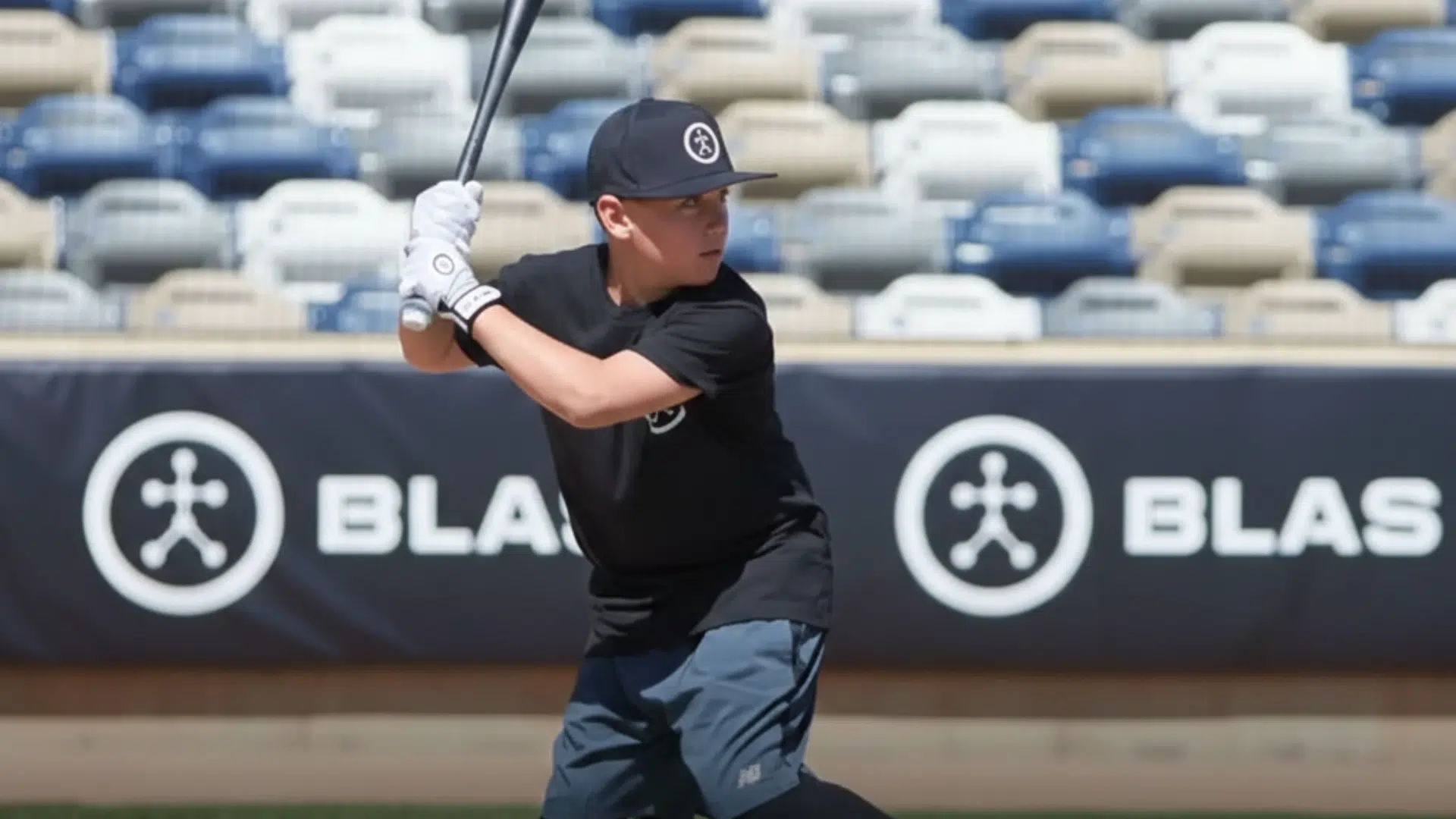
Blast Motion Baseball is a training tool that tracks how a player swings a bat. It uses a small sensor that fits into the knob of the bat and records swing data in real time.
The sensor connects to a mobile app through Bluetooth.
The app shows clear numbers and simple charts. It measures key stats like bat speed, attack angle, and time to contact.
Players can also record video and match it with their swing data. This helps them see what changed in each swing.
The goal is to give instant feedback so players can adjust faster. Coaches and players use it to track progress over time.
Instead of guessing what feels right, they can look at the data and make smarter training decisions based on real performance results.
Key Features of Blast Motion Baseball
Blast Motion Baseball offers advanced swing tracking with real-time data and video feedback. It helps players improve bat speed, swing path, and overall hitting performance using clear, measurable metrics.
1. Advanced Swing Metrics
Blast Motion captures detailed performance data from every swing, giving players a clear breakdown of their mechanics.
Key metrics include bat speed, peak hand speed, attack angle, time to contact, and an overall power estimate.
Bat speed shows how fast the barrel is moving at impact, while peak hand speed measures how quickly the hands accelerate through the zone.
Attack angle reflects the vertical path of the bat, and time to contact indicates how quickly the hitter reaches the hitting zone.
Together, these data points provide measurable insight into swing efficiency and consistency.
2. Swing Quality Scores (PCR)
Beyond raw numbers, Blast Motion provides swing-quality scores based on Plane, Connection, and Rotation (PCR).
The plane shows how level and efficient the bat path moves through the zone.
Connection tracks how well the hands stay linked to the body, which affects control and power. Rotation measures how well the hitter turns through contact.
Many coaches share that PCR scores make feedback simple during practice.
Instead of guessing, players can see clear areas to fix and make small adjustments that lead to better swing control and stronger contact.
3. 3D Swing Tracer
The 3D Swing Tracer visually maps the bat’s movement through the entire swing path.
Instead of relying only on numbers, players can see a graphical representation of how the bat travels into and through the zone.
This feature makes it easier to identify whether the swing is too steep, too flat, or off-plane.
By reviewing the visual path alongside performance data, hitters can better understand how mechanical adjustments influence outcomes.
4. Automatic Video Capture with Data Overlay
Blast Motion integrates automatic video capture with real-time metric overlays, allowing players to review their swings with performance data displayed directly on the footage.
Users can watch swings in slow motion while seeing exact measurements, such as bat speed or attack angle, at specific moments.
This combined visual and numerical feedback supports more precise adjustments and allows for meaningful comparisons across multiple sessions.
5. Air Swings
Blast Motion Baseball supports Air Swings, allowing players to take full, game-speed swings without making contact with a ball while still capturing complete performance data.
This makes Blast Motion Baseball ideal for indoor training, small spaces, and off-season workouts.
Even without hitting a baseball, the sensor records key metrics like bat speed, attack angle, and hand speed, giving players clear feedback on swing mechanics and movement patterns.
Air Swings also work well for warm-ups and making quick mechanical adjustments before live batting practice.
6. Real-Time Bluetooth Connectivity
Blast Motion uses Bluetooth to create a smooth link between the sensor and the mobile app. After pairing, swing data transfers right after each rep, giving players instant access to key metrics.
This real-time feedback helps players adjust during practice instead of waiting until later.
I once read in a coaching article that instant swing data keeps athletes focused and speeds up improvement.
The wireless setup allows free movement without cables. All data is saved in the app, making it easy to track swings and long-term progress.
Key Specifications of Blast Motion Baseball at a Glance
The Blast Motion Baseball sensor is lightweight, Bluetooth-enabled, and compatible with iOS and Android devices, making it easy to track swings.
| Specification | Details |
|---|---|
| Sensor Size | Compact, lightweight design that won’t affect bat balance |
| Connectivity | Bluetooth connection to iOS and Android devices |
| Battery | Rechargeable with a wireless charging dock |
| App Compatibility | Works with the Blast Motion mobile app |
| Durability | Designed to withstand repeated use in practice |
| Data Storage | Syncs and stores swing data for historical tracking |
Key Specificationsof Blast Motion Baseball
Below are the main technical details that define how Blast Motion works. These specs explain its design, compatibility, and performance features.
1. Sensor Design and Build Quality
Blast Motion features a compact and lightweight sensor designed to attach securely to the knob of a baseball bat. Its durable outer shell protects internal components from impact during intense practice sessions.
The sensor is built to handle repeated swings without losing accuracy.
The snug fit ensures it does not interfere with grip or balance.
This thoughtful design allows players to focus fully on mechanics while collecting precise swing data in both indoor and outdoor training environments.
2. Bluetooth Connectivity and App Integration
The device connects to the Blast Motion app using Bluetooth. After pairing, it sends swing data instantly after each rep.
This seamless connection removes the need for cables or manual syncing. The app displays metrics in a clear dashboard, making it easy to understand performance data.
Compatibility with most iOS and Android devices ensures wide accessibility.
The stable connection supports uninterrupted practice sessions while delivering real-time swing insights directly to the player’s smartphone or tablet.
3. Advanced Swing Metrics Tracking
Blast Motion tracks detailed swing metrics such as bat speed, attack angle, time to contact, and rotational acceleration.
These measurements provide a complete view of swing performance. The system also generates simplified scores like Plane, Connection, and Rotation to help players interpret complex mechanics.
Data is captured with high-precision sensors inside the device.
This advanced tracking allows athletes and coaches to identify strengths and areas for improvement with measurable and consistent performance feedback.
4. Data Storage and Performance History
All swing data is automatically stored within the mobile app for future review. Players can access individual swing breakdowns, session summaries, and long-term performance trends.
This organized data system makes it easier to track progress over weeks or months.
Historical comparisons help identify improvements in mechanics and consistency. The app also allows the sharing of reports with coaches for deeper analysis.
This structured storage system supports continuous development and goal tracking throughout the season.
Pros and Cons of Blast Motion Baseball
Blast Motion Baseball offers detailed swing metrics and real-time feedback that help players improve technique and track progress over time. Some advanced features require a paid subscription.
| Pros | Cons |
|---|---|
| Provides detailed swing metrics for every hit | Some advanced features require a paid subscription |
| Real-time feedback helps players adjust quickly | App performance can vary by device |
| Swing video with data overlay enhances analysis | Initial setup may take time for beginners |
| Battery lasts through multiple sessions | Air Swing metrics may differ from live hits |
| Works indoors with Air Swings | Bluetooth connection can lag occasionally |
| Compatible with iOS and Android devices | Requires a mobile device during use |
| Helps track long-term progress and trends | The sensor must be securely attached to avoid data errors |
| Useful for players and coaches at all levels | Premium app features may be confusing for new users |
How to Use Blast Motion Baseball?
Using Blast Motion Baseball is simple, but following the right steps ensures accurate swing data and better training results. Below is a complete guide to help you set it up and use it effectively during practice or games.
1. Attach the Sensor to the Bat Correctly
Begin by securely attaching the Blast Motion sensor to the knob of your bat. The sensor is designed to fit tightly and stay stable during repeated swings.
Push it firmly into place until it clicks or locks securely. It should not wobble or move once attached.
A proper fit is important because even slight movement can affect swing readings. Before each session, quickly check that the sensor is secure.
This ensures consistent data accuracy and prevents interruptions during practice.
2. Charge the Sensor Before First Use
Before your first session, fully charge the sensor using the provided wireless charging dock.
Place the sensor on the dock and allow it to charge until full. A fully charged sensor provides multiple practice sessions without interruption.
Keeping the battery charged ensures reliable Bluetooth connectivity and consistent data capture.
Make it a habit to recharge the device after heavy use so it is always ready for your next training session.
3. Download and Set up the Blast Motion App
Download the Blast Motion Baseball app from the Apple App Store or Google Play Store. After installation, open the app and create an account.
You will enter basic player information such as age, skill level, and batting side.
This setup helps personalize your experience.
The app organizes your swing sessions, stores historical data, and displays detailed metrics in easy-to-read charts and summaries.
4. Pair the Sensor Using Bluetooth
Turn on the sensor and enable Bluetooth on your mobile device.
Open the app and follow the pairing instructions. The sensor should appear in the available devices list and connect within seconds.
Once paired, the connection allows real-time data transfer.
After each swing, your metrics instantly appear on the app screen. Keep your phone or tablet nearby during practice to maintain a stable connection.
5. Choose the Appropriate Mode
Inside the app, select either Practice Mode or Game Mode. Practice Mode is ideal for batting cage sessions, tee work, soft toss drills, or skill development routines.
Game Mode is designed to track swings during live games and competitive situations.
Choosing the correct mode keeps your data organized.
This allows you to separate structured practice sessions from real game performance for more accurate review and comparison.
6. Begin Swinging Normally
Once everything is set up, swing as you normally would.
The sensor automatically records every swing without requiring manual input.
You do not need to press a button before or after each swing. After each swing, key metrics such as bat speed, peak hand speed, attack angle, and time to contact are displayed instantly.
This immediate feedback helps you make quick adjustments during the same session rather than waiting for later analysis.
7. Enable and Use Video Capture
For deeper swing analysis, activate the video capture feature. Position your phone or tablet so it clearly records your swing from the side or behind the batter’s box.
The app can overlay swing data directly onto the recorded video.
This allows you to see exact performance numbers at the moment of contact.
Watching your swing in slow motion while viewing real data helps you understand how body movement affects bat speed and swing path.
8. Analyze Swing Metrics After Practice
After completing your swings, review your session summary in the app. You can check average bat speed, consistency levels, swing efficiency scores, and detailed swing breakdowns.
Look for trends instead of focusing on just one swing.
For example, if your attack angle is consistently too steep or your bat speed drops over time, you can adjust your training focus in the next session.
9. Use Air Swings for Skill Development
Blast Motion supports Air Swings, which means players can take full swings without hitting a ball. The sensor still records complete swing data, even without contact.
This makes it useful for indoor practice, warm ups, and timing drills.
Players can work on mechanics during the off season without needing a field or cage.
Air Swings allow consistent training in small spaces like garages or gyms, helping athletes stay sharp and improve technique anytime.
Who Should Use Blast Motion Baseball?

Blast Motion Baseball is ideal for players and coaches who want measurable, data-driven improvement instead of relying only on feel or observation.
Young players can improve their swing with clear feedback on bat speed, attack angle, and timing.
High school and college athletes who compete at a higher level can use the detailed metrics to fine tune performance and build more consistent swings.
I read about a player who used swing data during the season to catch a small timing issue that was affecting contact.
He fixed his rotation and improved consistency. Clear feedback helps athletes adjust fast.
The ability to track progress over time makes it especially useful for players working toward specific goals, such as increasing bat speed or improving contact efficiency.
Coaches and trainers benefit from Blast Motion because it adds clear data to instruction.
Instead of guessing, they use swing metrics and video overlays to explain adjustments more clearly.
Conclusion
Blast Motion Baseball changes the way players approach hitting practice by adding real data to every swing.
Instead of relying only on feel, players can see measurable metrics like bat speed, attack angle, and time to contact after each rep.
This immediate feedback helps identify weaknesses faster and supports more focused improvement.
When combined with video analysis, the system makes it easier to connect numbers with actual movement, leading to better mechanical adjustments.
For serious players, consistent tracking over time is one of the biggest advantages.
The ability to compare sessions, monitor trends, and set measurable goals turns regular batting practice into structured development.
Coaches also benefit by using objective data to guide instruction and support player growth.
Frequently Asked Questions
Does Blast Motion Support Both Baseball and Softball?
Blast Motion provides separate settings for baseball and softball. Users must choose the correct sport in the app for accurate tracking. The sensor fits most standard bat knobs, but compatibility should be confirmed.
Can One Blast Motion Sensor Be Shared Among Multiple Players?
Yes, one Blast Motion sensor can be shared by multiple players. Each player logs into their own app account, and their swing data stays separate. This makes it ideal for teams, academies, and families.
Is Internet Access Required During a Training Session?
An internet connection is not needed while recording swings. The sensor connects through Bluetooth and stores data on the mobile device. Internet access is only required later for cloud syncing, updates, or premium features.